✓
OCPP 1.6 & 2.0.1 complete
All core messages, Security Profiles, ISO 15118 Plug & Charge simulation. Even invalid frames or edge cases intentionally reproducible.
Virtual OCPP 1.6 & 2.0.1 charge points for testing and demo — no login required.
Fully open. No password, no credit card, no trial period — just start straight in the browser.
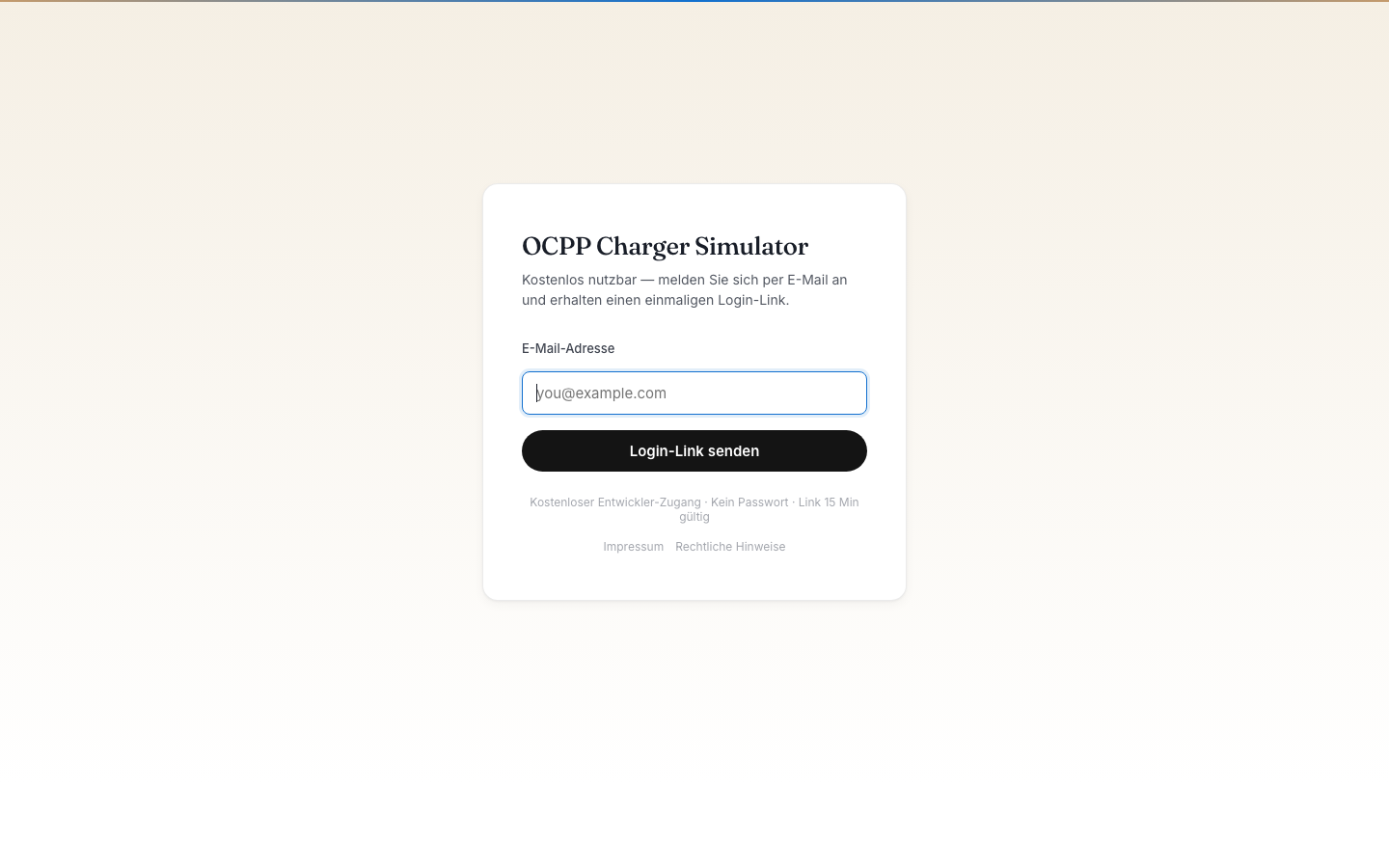
The OCPP Charger Simulator is the tool for developers and QA teams: virtual charge points that behave exactly like real hardware toward your CPMS — Boot, Authorize, StartTransaction, MeterValues, StopTransaction. OCPP 1.6 and 2.0.1 fully implemented, including Security Profiles.
No account, no barriers — create a virtual charger, get the WebSocket URL, and connect your CPMS or test against Pipelet's reference server.
Ideal for integration tests, protocol debugging, load testing and training. No firmware updates, no hardware costs, no waiting on a workshop.
All core messages, Security Profiles, ISO 15118 Plug & Charge simulation. Even invalid frames or edge cases intentionally reproducible.
Boot behaviour, MeterValue intervals, connector events, offline phases — all UI-configurable, including fault injection.
Multiple virtual chargers in parallel, for load tests up to the low three-digit range. Ideal for CPMS scalability tests.
Full OCPP message history as JSON, REST API for programmatic control. Integrable into CI pipelines.
You're writing your own CPMS and want to test against real OCPP behaviour — without ordering hardware. The simulator runs in the browser, your CPMS in Docker.
Sales meeting, no wallbox at hand. You open the simulator, show a complete charging flow in the CPMS dashboard within seconds.
Fully open. No password, no credit card, no trial period — just start straight in the browser.
Home charging with three data sources — wallbox, CarData and PV inverter —, charging history and reimbursement: the EV-driver UI of the Pipelet suite.
Fleet management, driver management, RFID and billing for commercial EV fleets.
The new operator UI: sites, charger commands, vouchers, OCPI, billing.